top of page


Accessing Quick Assist
This is a step-by-step method to access Quick Assist and get remote assistance from our support team.
Quick Assist is a built-in application available in your Windows PC allowing remote connection from one device to another.
Here are the steps to access Quick Assist quickly.
Step 1: Type Quick Assist in the Search bar, usually located at the bottom of your screen on your Taskbar next to the Start Button.
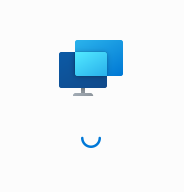
Step 2: Hang tight once you the application opens and this screen is loading.
Step 3: Once you see the prompt 'Get Help', enter the 6-digit code that our tech has provided.
There! Easy!


bottom of page